
Animal Stories

Everygen MCP for Claude
Connect Everygen to your AI assistant and generate videos, images, and voiceovers right from your prompts.
Get connected in 3 steps
2
Add Everygen custom connector
Name it Everygen and paste the URL:
How does MCP work?
Claude
Create a touching animal story Short about a penguin — emotional hook, voiceover, and captions for YouTube.
I'll shape a simple rescue arc with a strong opening hook, short narration beats, and caption-friendly pacing for Shorts.
Script and scene plan are ready — calling Viewmax to generate the story video with voiceover and captions.
Everygen·
compose_video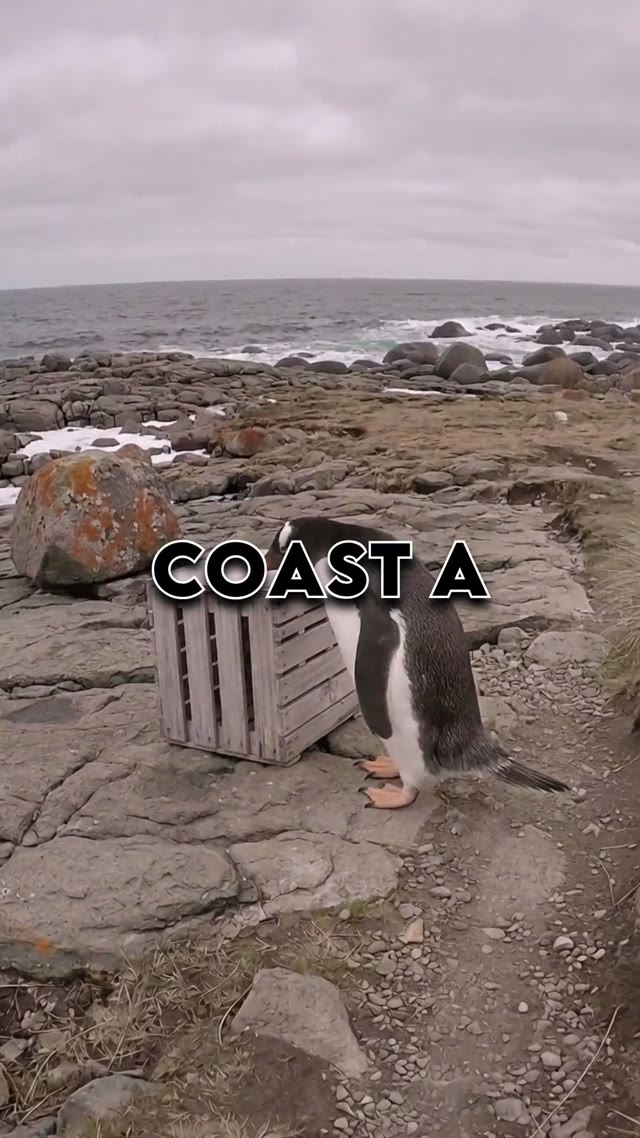
Generate a 45-second 9:16 animal story Short about a penguin with cinematic scenes, ElevenLabs voiceover, and bold captions.
Animal story9:1645sCaptions
Generating…
Here's the finished Short — story scenes, voiceover, and captions are ready to download.
Generating…
433k+112%
98k+105%
Create with Everygen inClaude
Hover a clip to recreate it in one click.
Clipping Stories
Nursery Rhymes
GTA 6
Ranking Clips
3D Visual Explainers
Nature clips
Epic VFX
Surreal Motion
AI Court videos

Stray cat rescue
Animal story